Sample app
| This documentation was generated with the assistance of AI. Please report any inaccuracies. |
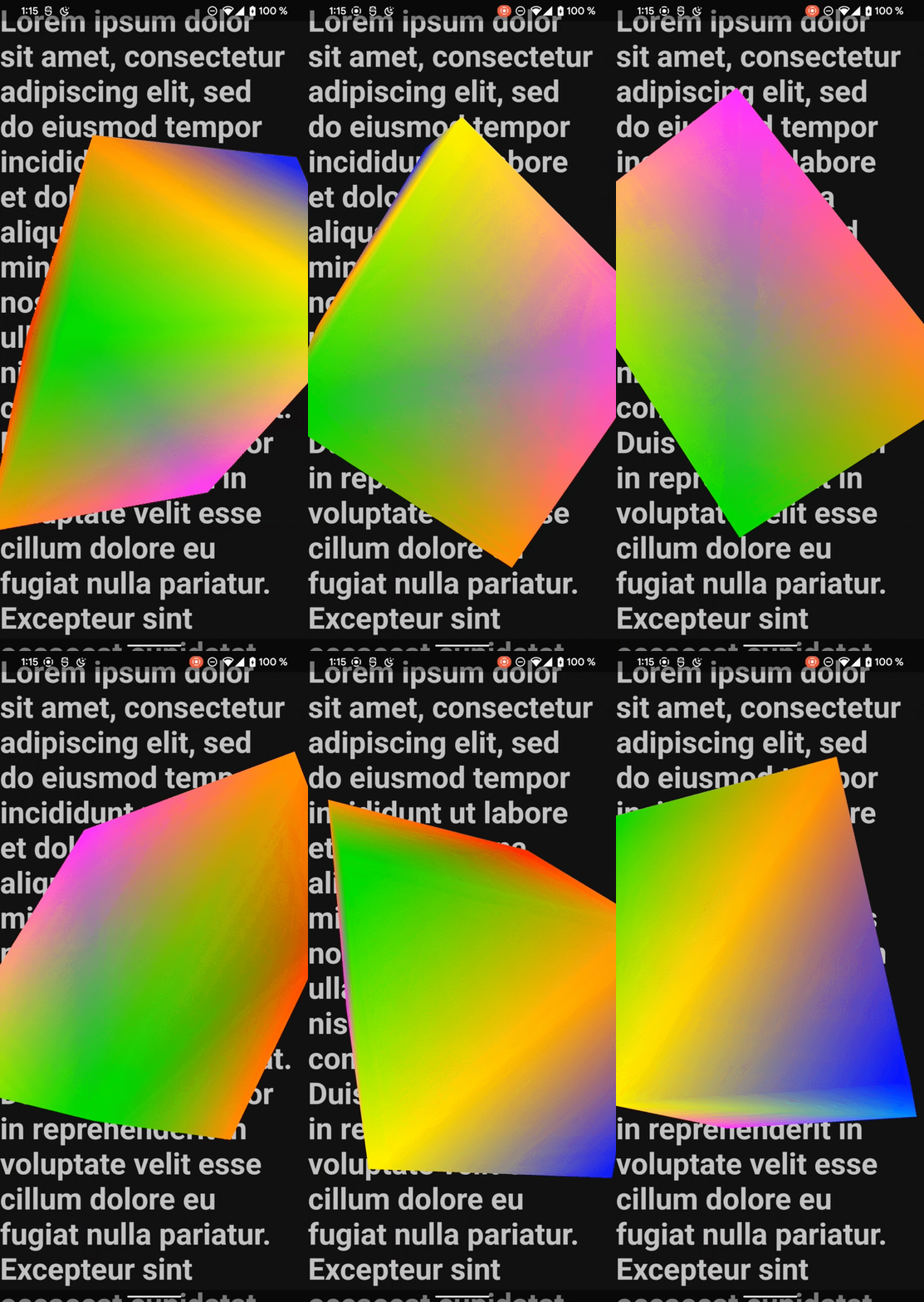
The repository’s app/ module is a minimal application (com.irurueta.android.gl.cube.app) that depends on the
lib module through implementation(project(":lib")). It has a single activity showing a large text with a
full-screen CubeTextureView on top of it. The demo animation on the overview page was recorded
with it.
Layout
app/src/main/res/layout/activity_main.xml declares a TextView followed by the cube view, so the text is drawn
behind the cube and remains visible through its transparent background:
<androidx.constraintlayout.widget.ConstraintLayout xmlns:android="http://schemas.android.com/apk/res/android"
    xmlns:app="http://schemas.android.com/apk/res-auto"
    xmlns:tools="http://schemas.android.com/tools"
    android:layout_width="match_parent"
    android:layout_height="match_parent"
    tools:context="com.irurueta.android.gl.cube.MainActivity">

    <TextView
        android:layout_width="wrap_content"
        android:layout_height="wrap_content"
        android:text="@string/lorem_ipsum"
        android:textSize="40sp"
        android:textStyle="bold"
        app:layout_constraintLeft_toLeftOf="parent"
        app:layout_constraintRight_toRightOf="parent"
        app:layout_constraintTop_toTopOf="parent" />

    <com.irurueta.android.gl.cube.CubeTextureView
        android:id="@+id/cube"
        android:layout_width="match_parent"
        android:layout_height="match_parent"/>

</androidx.constraintlayout.widget.ConstraintLayout>
Activity
app/src/main/java/com/irurueta/android/gl/cube/MainActivity.kt:
-
In
onCreate, it sets anOnSurfaceChangedListenerthat halves the cube size, sets its initial rotation and creates aPinholeCamerafrom the projection matrix of a Pixel 2 device (see Creating a camera). -
It builds two animators, played together with an
AnimatorSet:-
a rotation animator that changes the cube Euler angles linearly, completing 3, 2 and 1 full turns around each axis every 30 seconds;
-
a skewness animator that oscillates the camera skewness between -1000 and 1000 every second.
-
-
onResumeandonPauseforward the lifecycle to the view and start or pause the animators.
See Animation for the code.