Animation
| This documentation was generated with the assistance of AI. Please report any inaccuracies. |
Since every property setter requests a new frame, animating the cube only requires updating its properties from an Android animator. There is no need to switch to continuous rendering.
Rotating the cube
The following example rotates the cube around its three axes, completing several full turns every 30 seconds:
import android.animation.FloatArrayEvaluator
import android.animation.ValueAnimator
import android.view.animation.LinearInterpolator
import com.irurueta.geometry.Quaternion

private val rotation = Quaternion()

private val rotationAnimator = ValueAnimator.ofObject(
    FloatArrayEvaluator(),
    floatArrayOf(0.0f, 0.0f, 0.0f),
    floatArrayOf(6.0f * Math.PI.toFloat(), 4.0f * Math.PI.toFloat(), 2.0f * Math.PI.toFloat())
).apply {
    duration = 30000L
    repeatMode = ValueAnimator.RESTART
    repeatCount = ValueAnimator.INFINITE
    interpolator = LinearInterpolator()
    addUpdateListener { animator ->
        val angles = animator.animatedValue as FloatArray
        rotation.setFromEulerAngles(
            angles[0].toDouble(), angles[1].toDouble(), angles[2].toDouble()
        )
        // Each assignment requests a new frame
        cubeView.cubeRotation = rotation
    }
}

override fun onResume() {
    super.onResume()
    cubeView.onResume()
    rotationAnimator.start()
}

override fun onPause() {
    super.onPause()
    cubeView.onPause()
    rotationAnimator.pause()
}
Animating the camera
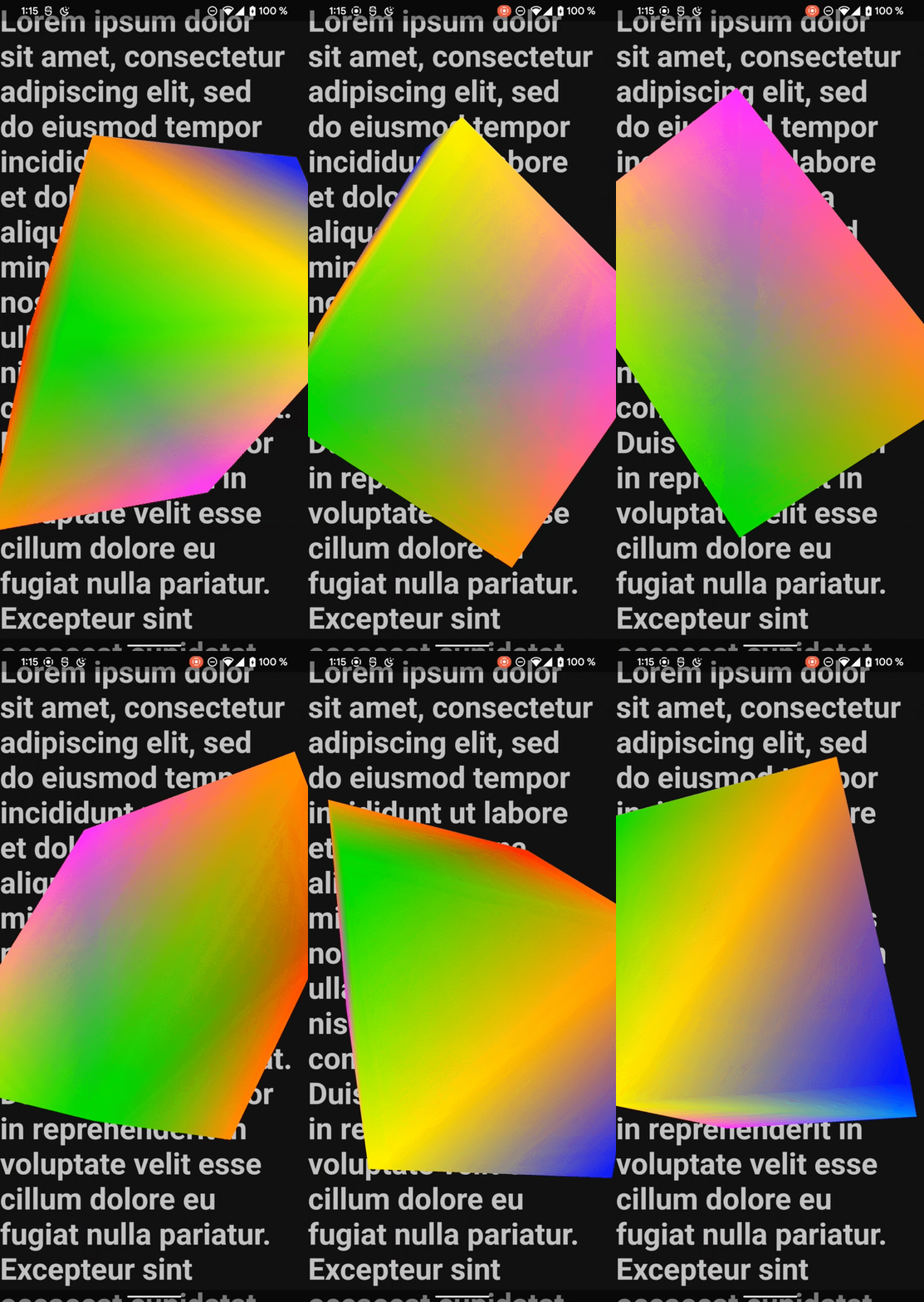
Camera parameters can be animated in the same way, once the surface exists. The sample app oscillates the camera skewness, which produces the shearing effect shown in the demo:
val skewAnimator = ValueAnimator.ofFloat(-1000f, 1000f).apply {
    duration = 1000L
    repeatMode = ValueAnimator.REVERSE
    repeatCount = ValueAnimator.INFINITE
    interpolator = AccelerateDecelerateInterpolator()
    addUpdateListener { animator ->
        val camera = camera ?: return@addUpdateListener // created in onSurfaceChanged
        val intrinsics = camera.intrinsicParameters
        intrinsics.skewness = (animator.animatedValue as Float).toDouble()
        camera.intrinsicParameters = intrinsics
        cubeView.camera = camera
    }
}

// Play both animations together
AnimatorSet().apply {
    playTogether(rotationAnimator, skewAnimator)
    start()
}
Remember to pause the animators in onPause along with the view, and to resume them in onResume.
Next: Configuration reference.