Irurueta Android Recycler Tab Layout
| This documentation was generated with the assistance of AI. Please report any inaccuracies. |
RecyclerTabLayout is an Android view similar in appearance to Material’s
TabLayout, but built on top of
RecyclerView.
Why it exists
TabLayout creates a view for every tab up front. That is not appropriate when there are many tabs, or when each tab
contains complex or memory-intensive views such as image thumbnails. RecyclerTabLayout extends RecyclerView, so
tab views are created by an adapter and recycled as they scroll off screen, while the view draws a line indicator
under the selected tab with the same animated behavior as TabLayout.
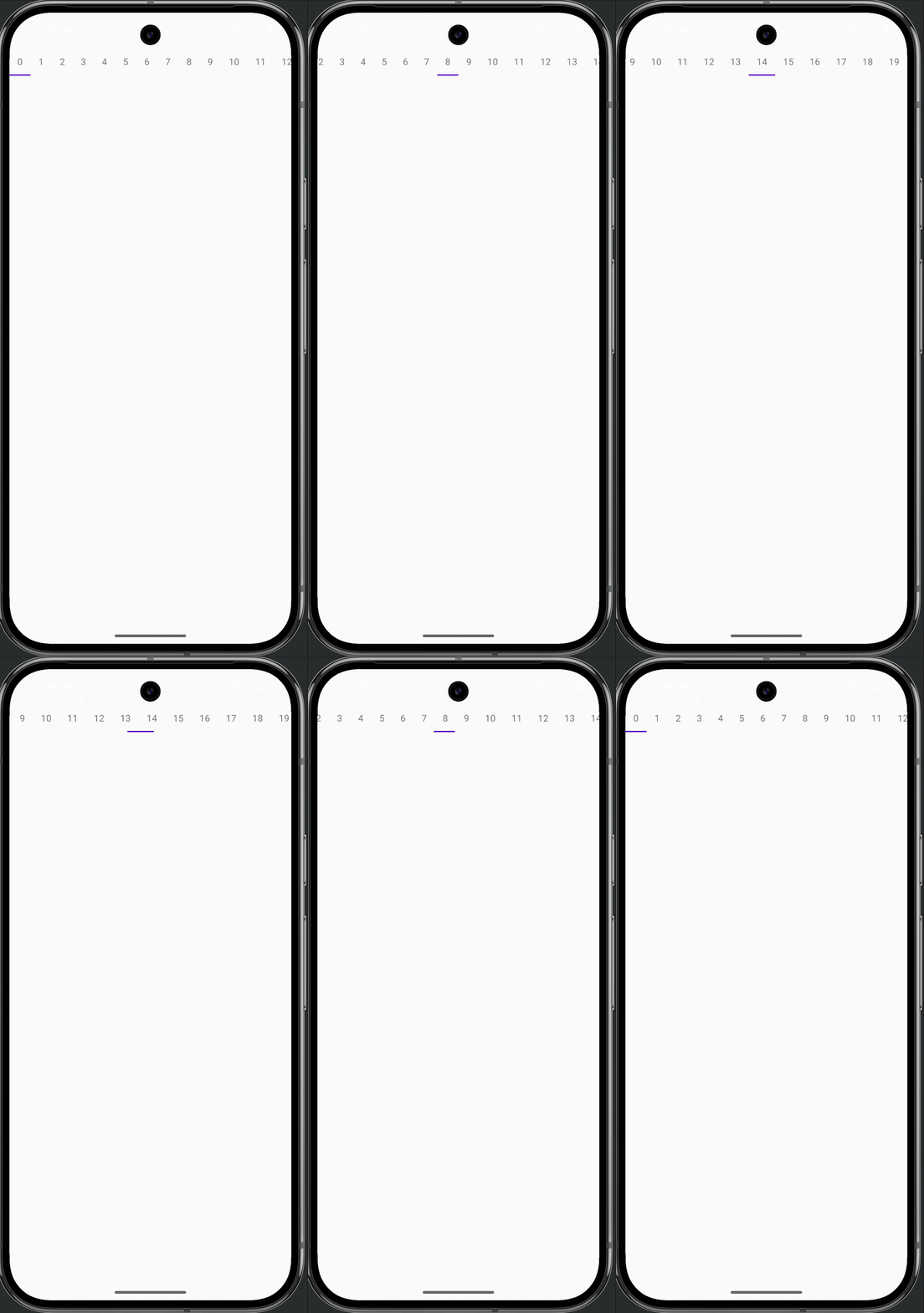
RecyclerTabLayout in action: the indicator follows the selected tab while tab views are recycledCore concepts
-
Adapter-driven tabs: tabs are supplied through a regular
RecyclerView.Adapter, view holder and item view. -
Selection indicator: a line drawn under the selected tab, whose color, height and margins are configurable (
indicatorColor,indicatorHeight,indicatorMarginLeft,indicatorMarginRight, or thetabIndicator*XML attributes). -
Programmatic selection:
setCurrentItem(position, smoothScroll)moves the selection and animates the indicator;setAutoSelectionMode(autoSelect)selects tabs automatically while scrolling.
Next steps
-
Installation: add the library to your project.
-
Usage: adapters, selecting tabs and syncing with a
ViewPager2, with code examples. -
Configuration reference: XML attributes, properties and defaults.
-
User interface: the view and the sample app.
-
Reference: API documentation and generated reports.